Trusted on:

|

4.98/5

In-App Widget to Boost Feature Discovery and Adoption

Deliver dynamic updates that keep your audience informed - directly from your website or embedded in your app.

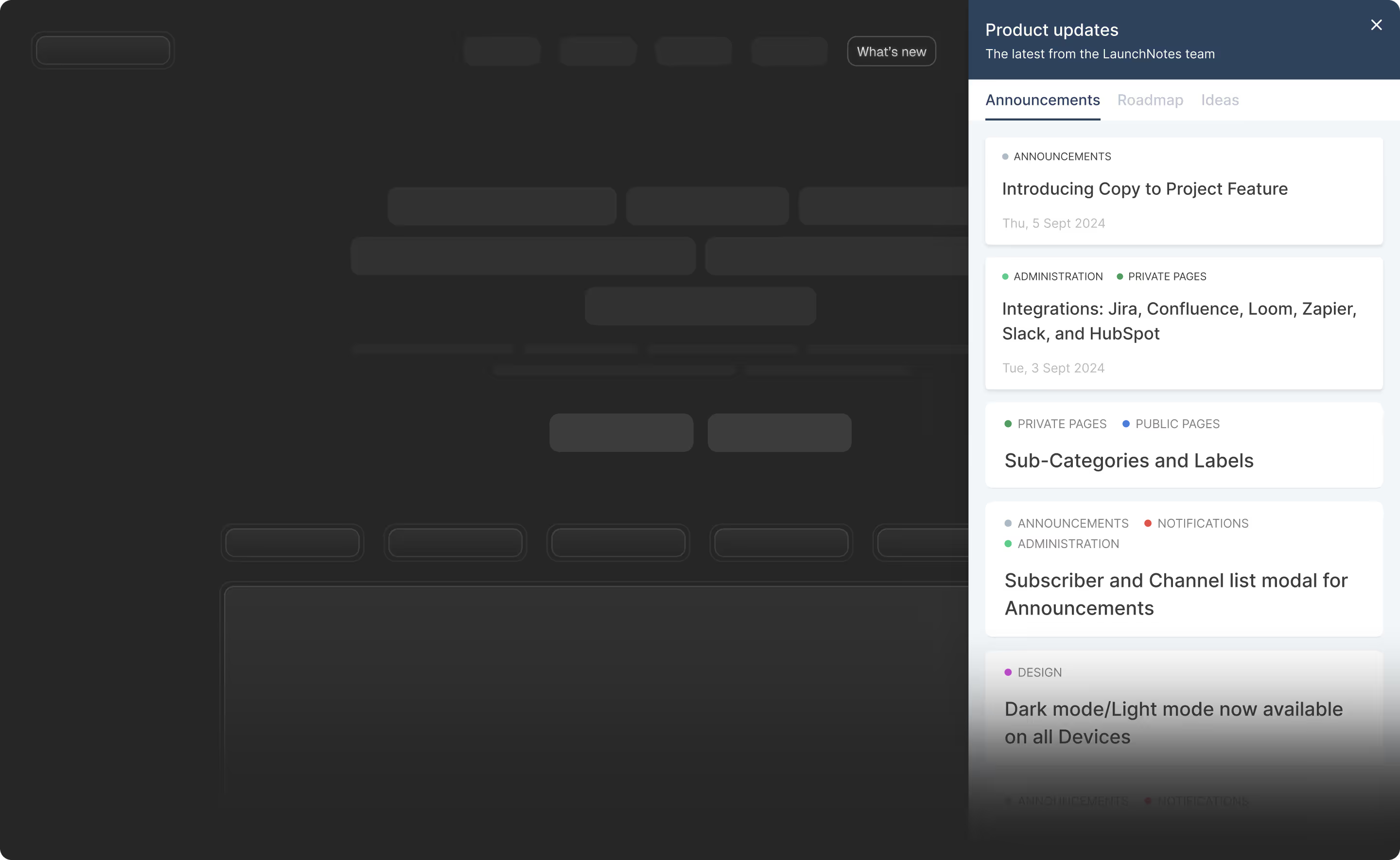
Assemble website with LaunchNotes product update widget popover visible.
Be among the best

Why choose our Enhanced Widget?

The LaunchNotes product updates widget makes it easy to keep customers informed and engaged with product announcements, roadmap visibility, and features your considering. Provide your customers direct access to all that is going on with your product right from within your app.

Key features

Expanded capabilities

Announcements, Roadmap, and Ideas in one place: Present announcements roadmap content, allowing users to track updates and see your product progress and direction right within your app.

Simplified installation

Low-code integration: Integrate the widget with minimal code, making it simple for non-technical admins to implement in less than 15 minutes.

Brand consistency

Pixel-for-pixel match to your brand: Automatically inherit the styling from a LaunchNotes published page for cohesive experience for your subscribers across publishing surfaces.

Give your product story the attention it deserves

Get started with our new embedded widget in less than 15 minutes to make it easy for your customers to access your product updates in your app or on your website.

Low fidelity mockup of a marketing page with the LaunchNotes widget inline with content
Inline embeddable widget
An inline embed displays content directly within the frame, making it easier for users to view updates without interruptions.
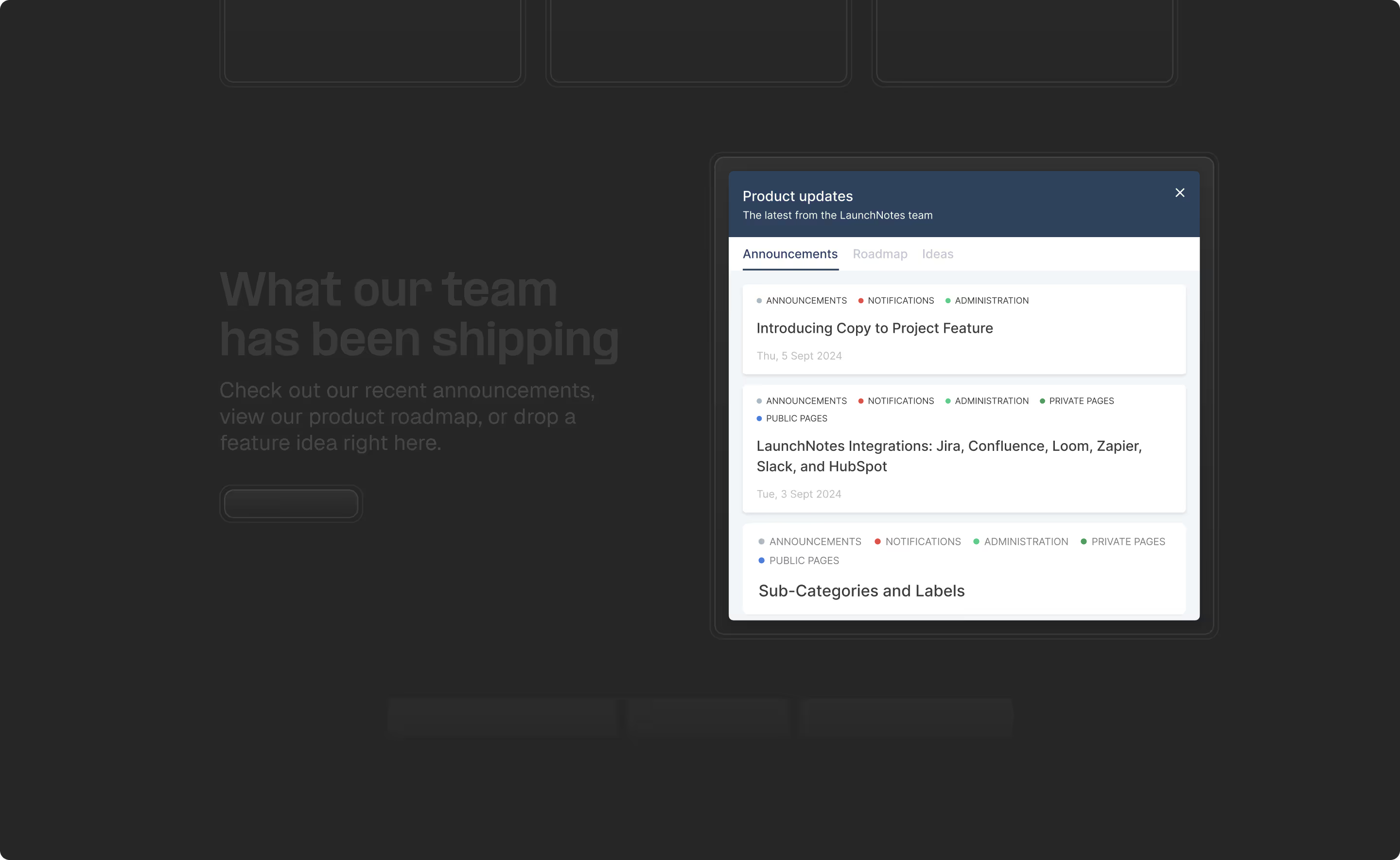
Low fidelity mockup of a hero section with the LaunchNotes widget popover visible over the website content
Popover embeddable widget
Use the pop-up widget to showcase product updates anywhere in your app. It’s hidden by default and activated by clicking an element in your application.

FAQs

How does an embedded widget help increase our feature discovery?
Yes, you can try us for free for 30 days. Our friendly team will Many users ignore emails, but an in-app changelog widget captures their attention while they are actually using your software. By placing a discreet notification badge within your UI, you alert users to improvements without interrupting their current task. This is a far more effective new feature announcement method than traditional blast communications. LaunchNotes allows you to surface roadmaps and updates directly in the user journey, ensuring that your hard work doesn't go unnoticed. This constant visibility is key to driving user adoption, as it encourages users to explore new capabilities naturally as they navigate through your various product modules and workflows.work with you to get you up and running as soon as possible.
Can we customize the widget to match our brand's unique look?
Yes, the LaunchNotes widget offers pixel-for-pixel customization to ensure it feels like a native part of your application. You can adjust colors, fonts, and CSS to align perfectly with your brand identity, avoiding the "third-party" look that often plagues in app messaging tools. This level of release notes design is crucial for maintaining a professional user experience. Whether you prefer a subtle sidebar or a centered popover, the layout is entirely under your control. By making the widget feel like an extension of your own code, you build higher levels of trust and ensure a seamless new feature announcement UI.
What is your cHow long does it typically take to install the widget into our app?ancellation policy?
LaunchNotes is designed for speed, offering a low-code installation process that typically takes less than 15 minutes for a developer to implement. By simply adding a small snippet of JavaScript, you gain a powerful in app messaging software suite. This ease of setup allows your product management teams to start communicating immediately without waiting for a massive engineering sprint. Because it requires minimal maintenance, it is an ideal release management tool for fast-moving startups and enterprises alike. Once the initial "hook" is in place, non-technical team members can update the content dynamically through the LaunchNotes dashboard without further coding.
What is the difference between the Popover and Inline widget styles?
The Popover style acts as a notification hub that expands when clicked, making it perfect for a "What's New" feed. Conversely, the Inline style allows you to embed the feed directly into a specific page, such as a dashboard or a dedicated changelog tool section. Both options provide high-quality in app messaging tools for different user needs. Choosing the right format depends on how prominently you want to display your updates. LaunchNotes gives you the flexibility to use both simultaneously, ensuring your product update announcement strategy reaches users in the most contextually relevant way possible throughout their entire session.
Does the widget support multiple languages for global user bases?
LaunchNotes supports localization, allowing you to deliver updates in the native language of your users. For global product management teams, this is essential for ensuring that international customers feel supported and informed. You can manage translations within the platform, ensuring that every new feature announcement resonates across different regions. This capability helps drive business communications adoption globally by removing language barriers. By providing localized content through the widget, you improve the overall user experience and ensure that your global release management process remains inclusive and effective for every person who logs into your software platform every day.
Can we use the widget to collect user sentiment on specific updates?
Yes, the widget includes built-in feedback loops, such as emoji reactions and comment fields, to gauge how users feel about a new feature alert. This real-time data is invaluable for product team alignment, as it provides immediate evidence of whether a launch was successful or needs adjustment. Instead of waiting for support tickets to roll in, you get a direct pulse on user satisfaction. This proactive approach to driving user adoption allows you to iterate faster based on actual sentiment. Collecting this qualitative data directly within the widget makes it a powerful product feedback tool for modern software organizations.
Is the widget mobile-responsive for users on phones or tablets?
Absolutely. The LaunchNotes widget is built with a mobile-first philosophy, ensuring that your app announcement looks great on any screen size. Whether your users are accessing your platform via a desktop browser or a mobile device, the feed scales perfectly to maintain readability. This responsiveness is a critical step in a modern release management lifecycle, as users expect a consistent experience across all devices. By ensuring your in app messaging tools are mobile-ready, you reach a broader audience and ensure that your product updates are accessible to everyone, regardless of how or where they choose to work.
Can we target specific updates to different user segments?
LaunchNotes allows for advanced audience segmentation, meaning you can show different updates to different users through the widget. For example, you might show a new feature announcement only to your power users or "beta" testers. This prevents "update fatigue" by ensuring users only see information relevant to their specific role or plan level. This targeted in app messaging software approach is far more effective than generic blasts. It allows your product management organization to stay surgical in its communication, ensuring that every notification adds genuine value to the user's specific experience within your software ecosystem.
Does the widget impact our application's loading performance?
No, the LaunchNotes widget is optimized for high performance and has a negligible impact on your page load times. We use asynchronous loading and content delivery networks (CDNs) to ensure that the changelog tool feed loads lightning-fast. For any product management team, app speed is a top priority, and our infrastructure is built to respect that. You can provide a rich, interactive new feature announcement UI without compromising the core user experience. This technical efficiency makes it a reliable choice for enterprise-grade applications that demand both high-quality communication tools and world-class performance for their global user base.
Can users search through previous updates within the widget?
Yes, the widget includes a powerful search function that allows users to find historical updates or specific fixes. If a user remembers seeing a product update announcement a few weeks ago, they can easily retrieve it without leaving the app. This self-service capability is excellent for reducing support tickets, as users can find answers to their own questions about recent changes. It turns your widget into a living archive of your product's evolution. By providing an searchable changelog software interface, you empower your users to stay informed at their own pace, which ultimately leads to higher levels of long-term satisfaction.